Advertising & Brand Content
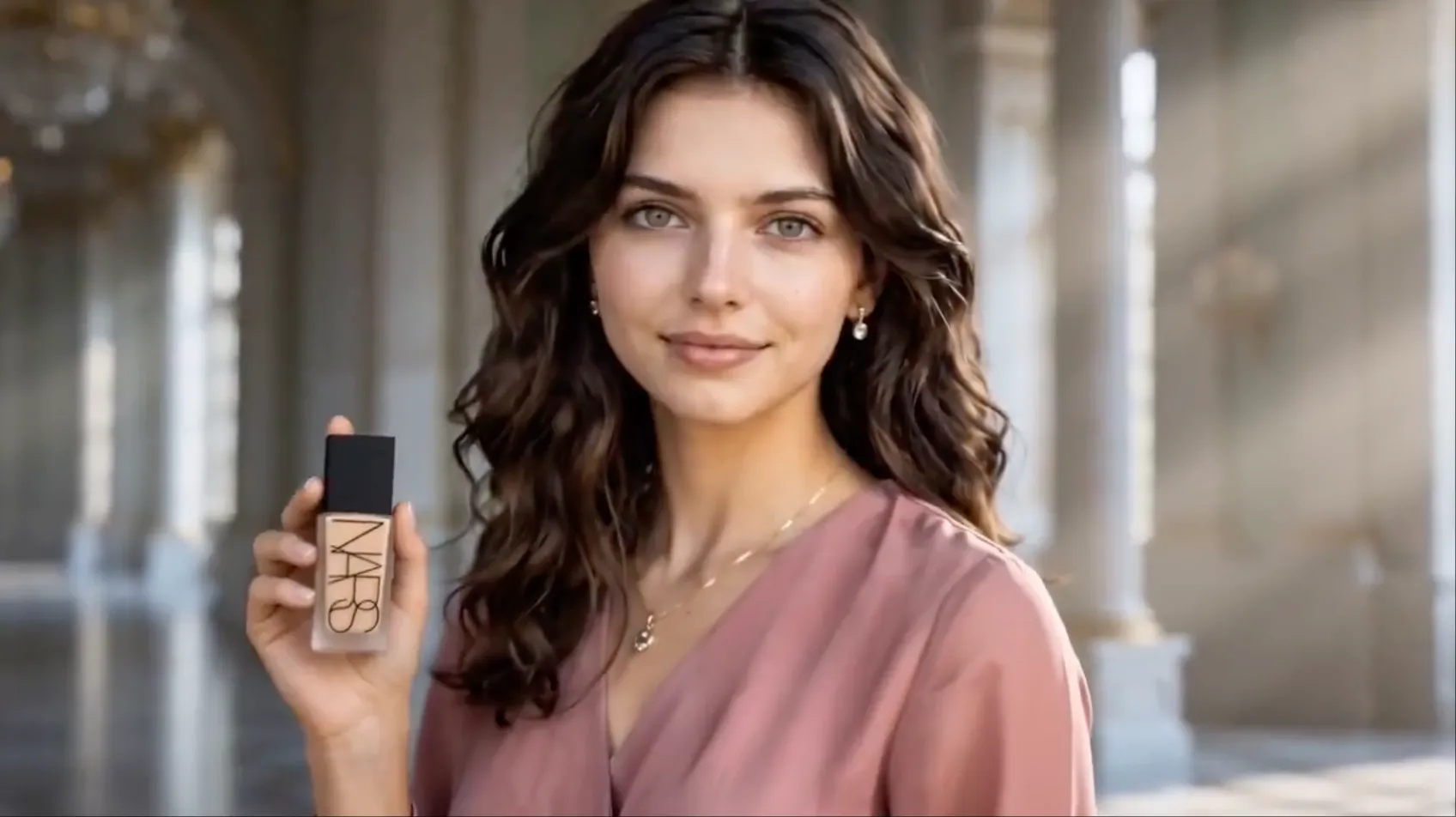
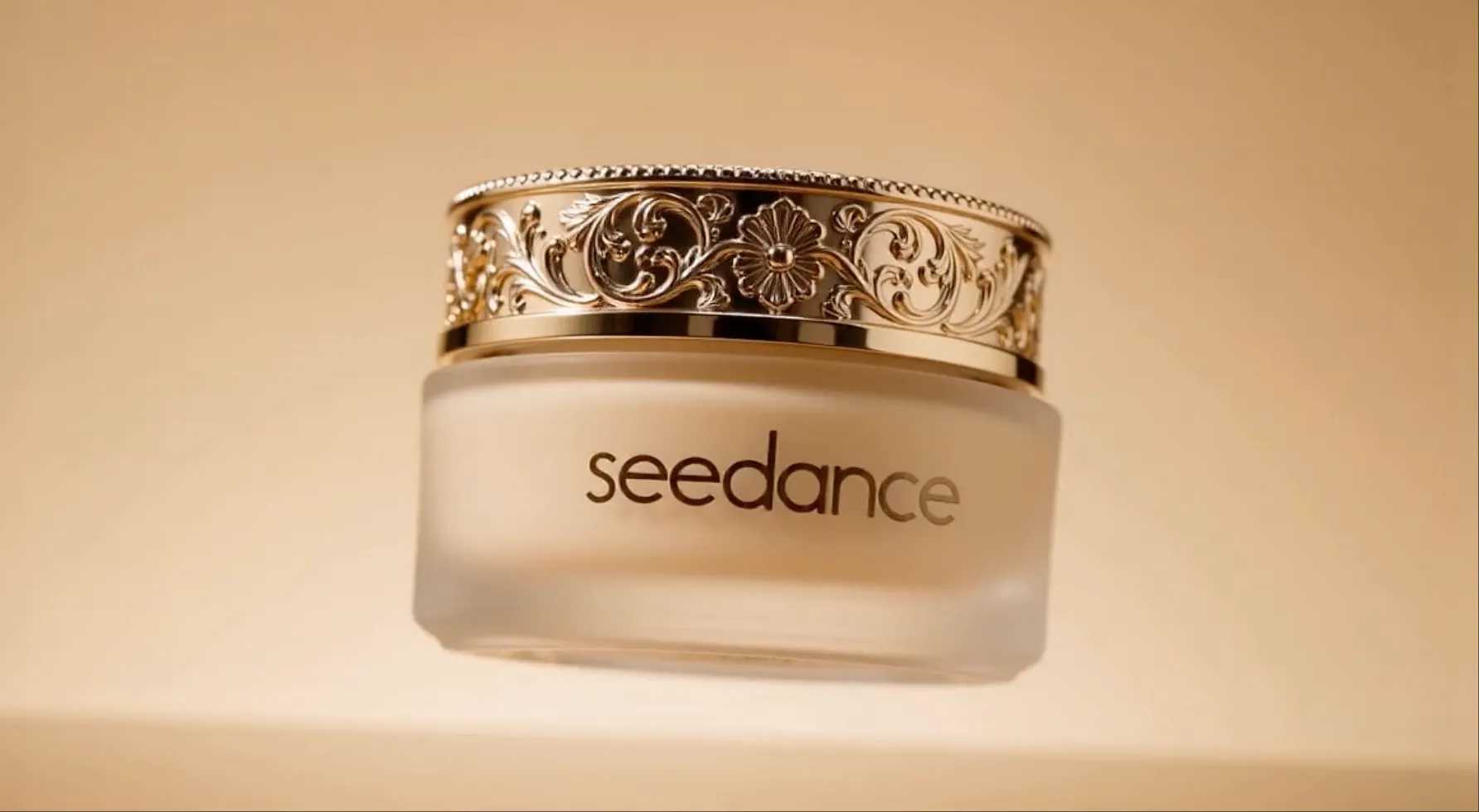
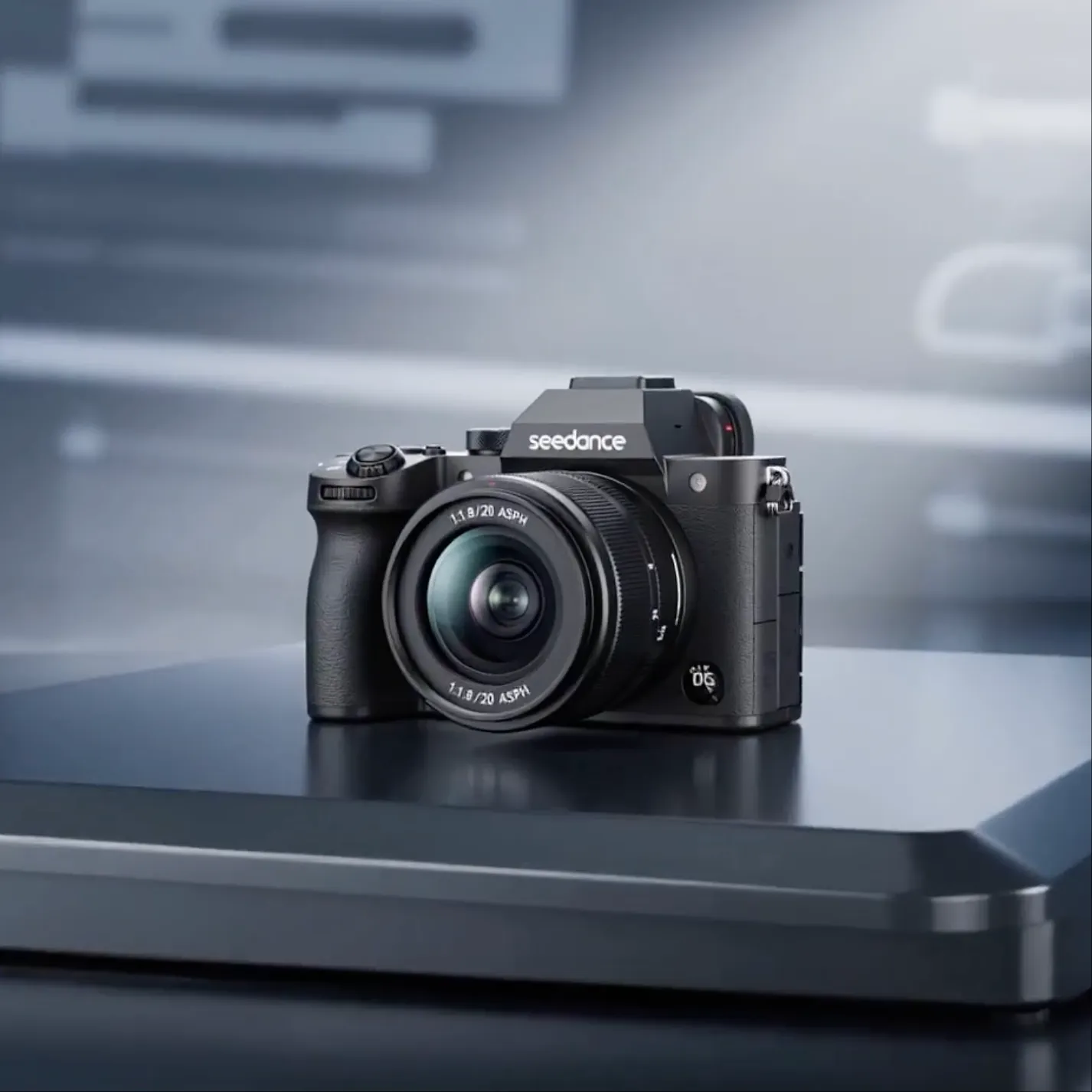
Create product showcases, campaign visuals, and branded videos from existing product images and creative references.
Product demosOnline adsBrand stories
Seedance 2.5 is officially live — create coherent videos up to 30 seconds in a single generation.
Create videos at up to 4K resolution with text, images, video, and audio. Seedance 2.0 combines multimodal references with natural-language direction for greater control over characters, action, camera movement, rhythm, style, and sound.
Click to upload or drag & drop
jpeg, png, webp, bmp, tiff, gif
Generate multiple videos in one batch with the same settings, up to 10 videos.
Explore videos shaped by multimodal references—from consistent characters and cinematic camera moves to complex action, creative transitions, visual effects, and rhythm-driven sequences.
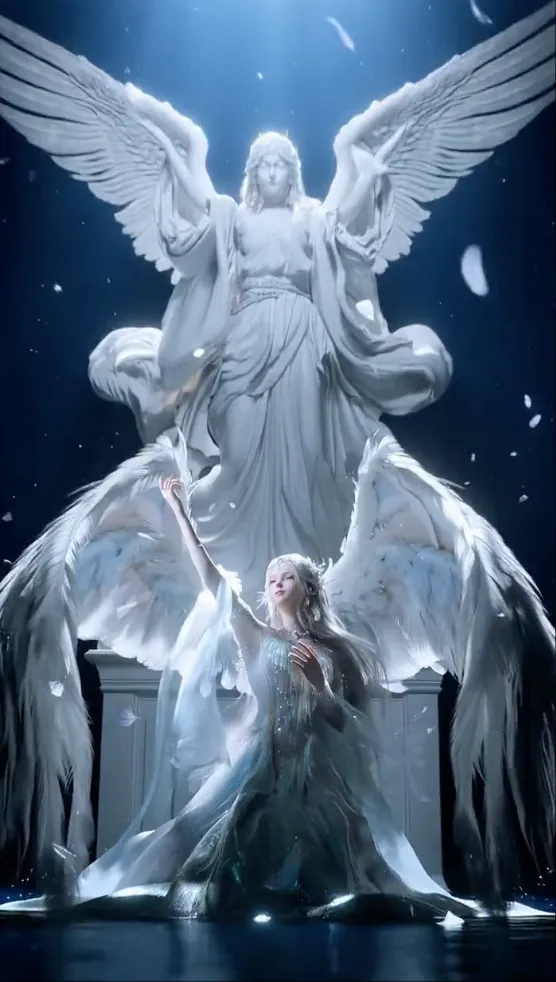
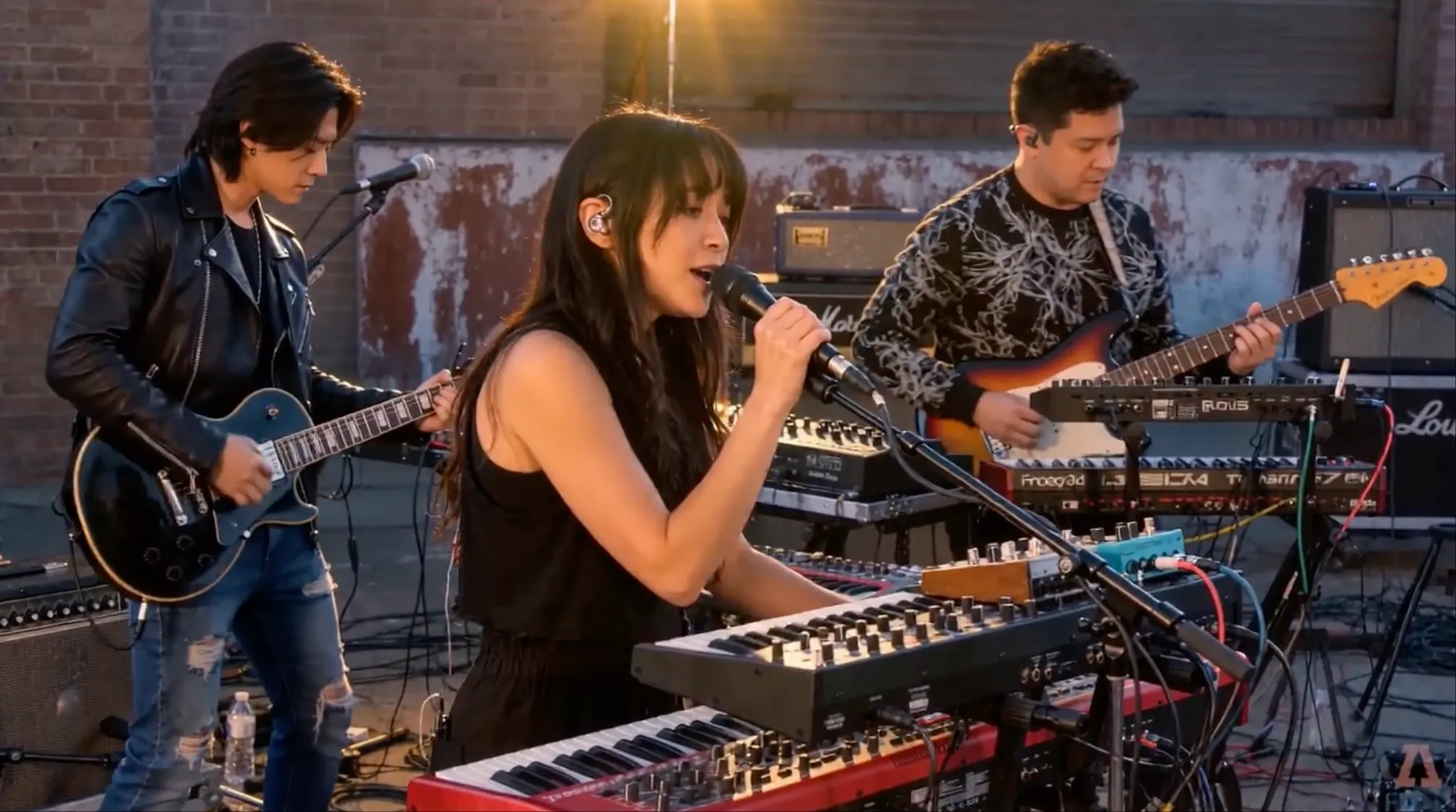
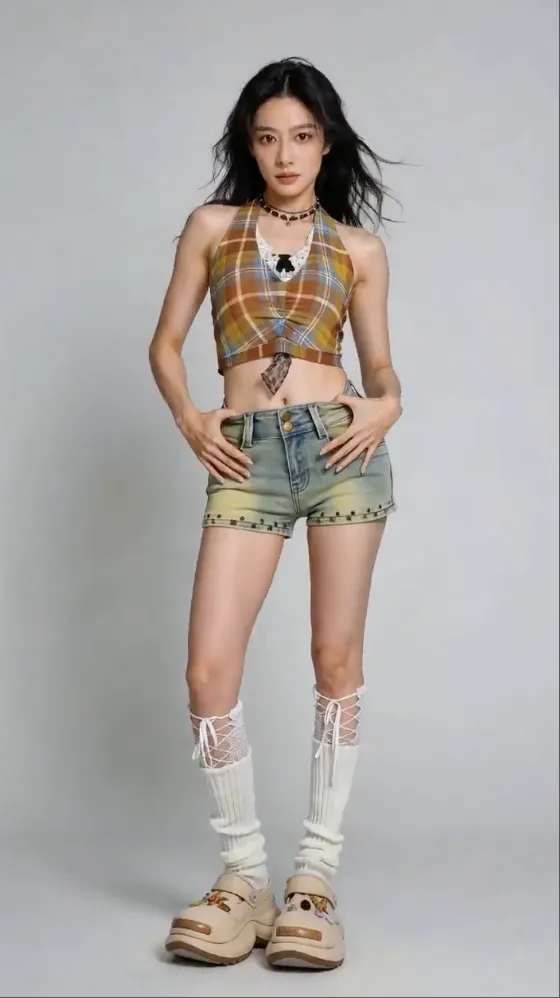

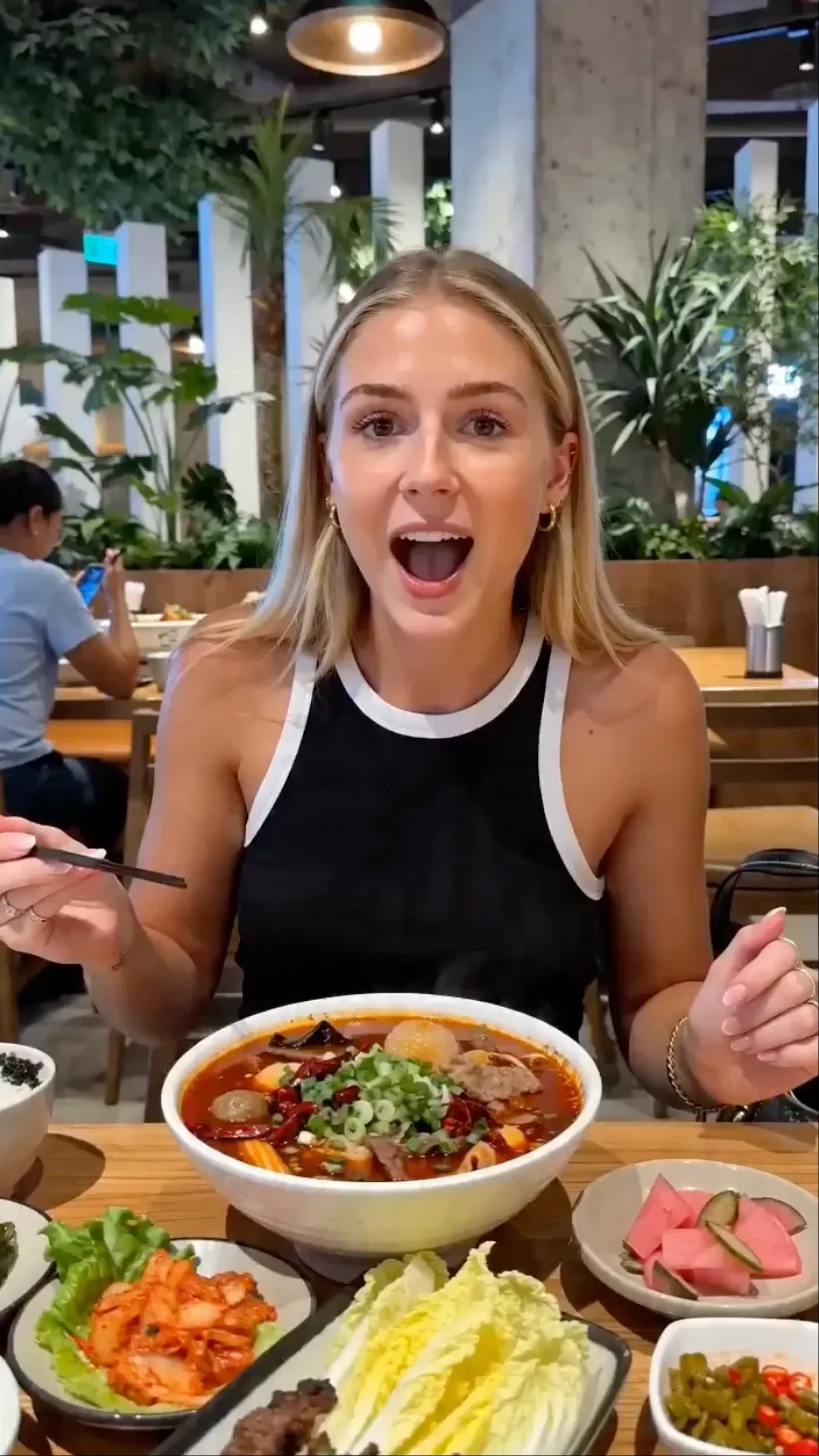
Combine references, describe what each one should control, and guide the result with natural language.
Upload up to 9 images, 3 videos with a combined duration of 15 seconds, and 3 audio files. Freely combine text, images, video, and audio to shape your creative direction with exceptional flexibility.
Choose from 480p, 720p, 1080p, and 4K resolution to match quick drafts, everyday content, professional delivery, and detail-rich production.
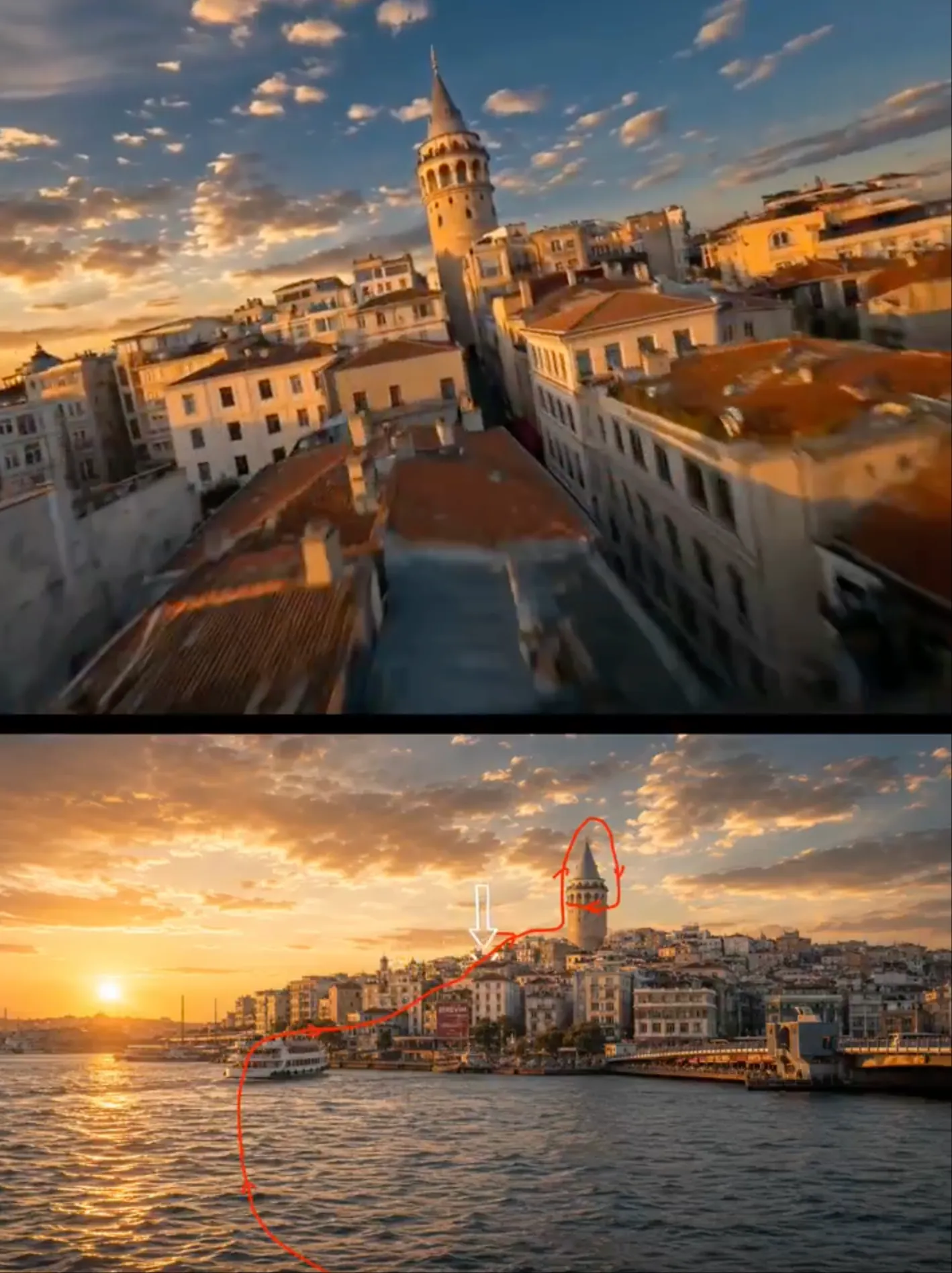
Guide complex movement, blocking, shot types, pacing, and camera paths with a reference video instead of describing every detail from scratch.
Continue an existing clip with a specified new duration, create smoother transitions, or add a new scene between reference videos.
Use an existing video as input and request focused changes such as replacing a character, removing or adding content, or refining a specific action or beat.
Create smoother continuous action, more coherent one-take sequences, expressive performances, and videos with generated sound effects or music.
Start with a prompt, then add the images, videos, or audio that matter most to the result. Each file can provide content or act as a creative reference for the scene.
Identify your materials clearly in the prompt—for example, use one image for the character and opening frame, one video for action and camera movement, and audio for rhythm.
Write the scene, action, continuity, edit, or extension you want in natural language. Specify what to preserve, what to change, and how the references should work together.
Select 480p, 720p, 1080p, or 4K when available, generate your video, and review character identity, motion, camera work, timing, and sound. Refine the prompt or references for the next version.
Made for every kind of creator
From a quick social post to a polished brand video, Seedance 2.0 helps turn the ideas and materials you already have into videos people want to watch.
Create product showcases, campaign visuals, and branded videos from existing product images and creative references.
Turn lessons, tutorials, and step-by-step demonstrations into structured visual content that is easier to follow.
Develop characters, imagined worlds, and narrative sequences across connected scenes in a consistent visual style.
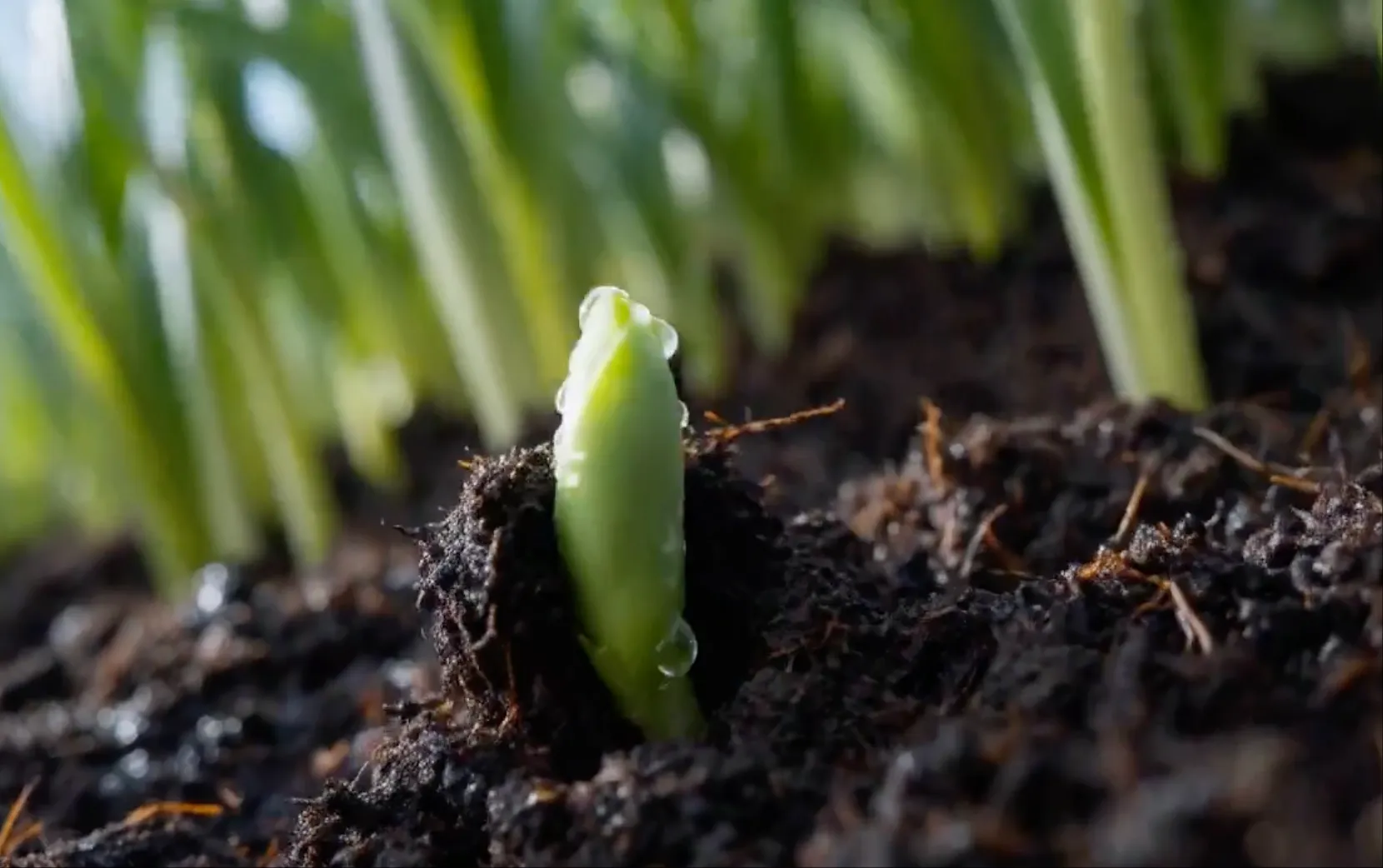
Add natural movement and emotion to portraits, artwork, travel photography, and personal memories while preserving the subject.
Produce short-form videos for social platforms using your own visual identity, pacing, movement, and creative references.
Use reference footage to guide choreography, exercise demonstrations, stunts, and complex movement in a new setting.
Extend existing footage, connect scenes, replace characters, or revise selected content without recreating the full video.
Create music-led videos where movement, editing, atmosphere, and visual effects follow the rhythm of the audio.
Practical perspectives on where multimodal references and precise direction make the biggest difference.
With Seedance 2.0, I can combine a movement reference with a character image instead of translating every camera move and action into an overloaded prompt.

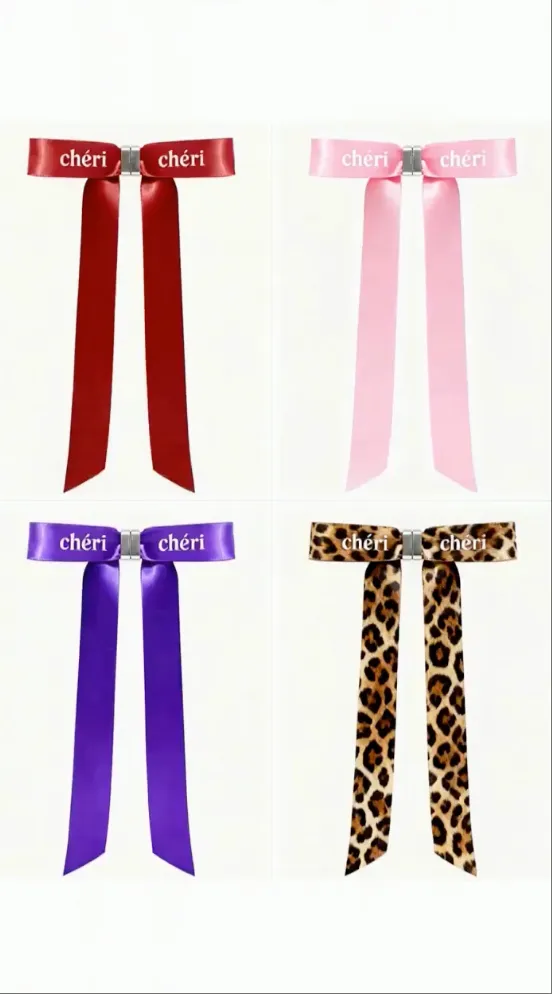
The useful part is deciding what each reference controls: the product image protects key details while a video can guide pacing, framing, and transitions.
Seedance 2.0 makes references actionable. I can identify the exact character, scene, effect, or camera move I want the model to follow.

Referencing rhythm and visual structure gives me a clearer starting point for new variations while keeping the character and overall creative language recognizable.

When most of a clip already works, Seedance 2.0 lets me focus on one character, action, or section instead of rebuilding the entire idea.

Reference images help anchor the product's appearance, while natural-language direction controls how it is revealed, handled, and photographed in motion.
In Seedance 2.0, audio can shape more than atmosphere—it can guide performance timing, cuts, motion accents, and beat-synchronized moments.

I can test how one action flows into the next and explore continuous-shot ideas before committing to detailed boards or production planning.

Seedance 2.0 brings character art, environment references, and action clips into one brief, making early cinematic directions easier to explore.

A reference clip can communicate the timing and structure of a complex transition or effect much more directly than specialist terminology alone.

Complex movement is easier to direct when the model can see the intended rhythm, body mechanics, and camera relationship in a reference video.

Seedance 2.0 video extension works best when I define the new duration and next story beat while keeping the motion and visual context continuous.

Choose the plan that works best for you. All plans include access to our core features.
See how many credits each Seedance model uses by resolution and input type.
| Model | Resolution | Without video inputBased on output duration | With video inputBased on input + output duration |
|---|---|---|---|
 Seedance 2.5 Seedance 2.5 | 480p | 10 credits/sec | 6 credits/sec |
| 720p | 20 credits/sec | 12 credits/sec | |
| Seedance 2.0 | 480p | 6 credits/sec | 4 credits/sec |
| 720p | 12 credits/sec | 8 credits/sec | |
| 1080p | 30 credits/sec | 20 credits/sec | |
| 4K | 70 credits/sec | 40 credits/sec | |
| Seedance 2.0 Fast | 480p | 5 credits/sec | 3 credits/sec |
| 720p | 10 credits/sec | 6 credits/sec | |
| Seedance 2.0 Mini | 480p | 3 credits/sec | 2 credits/sec |
| 720p | 6 credits/sec | 4 credits/sec | |
| Seedance 1.5 Pro | 480p | 2 credits/sec | Video input not supported |
| 720p | 5 credits/sec | Video input not supported | |
| 1080p | 10 credits/sec | Video input not supported | |
| Seedance 1.0 Pro | 480p | 2 credits/sec | Video input not supported |
| 720p | 5 credits/sec | Video input not supported | |
| 1080p | 10 credits/sec | Video input not supported | |
| Seedance 1.0 Lite | 480p | 1 credits/sec | Video input not supported |
| 720p | 3 credits/sec | Video input not supported | |
| 1080p | 8 credits/sec | Video input not supported |
Generate a 5-second output video. If video input is used, assume the input video is 4 seconds long.
Credit rates reflect the current calculation rules. For Seedance 2.0, Fast, and Mini, adding video input changes both the per-second rate and the billable duration. Images and audio do not add to the billable duration.
Can't find what you're looking for? Contact our customer support team
Bring your prompt, images, footage, and audio together in one controlled creative workflow. Define the references, describe the result, and let Seedance 2.0 create the next shot.